
 Kontakt
 Ako nakupovať

Doručenie
Nákupný poradca
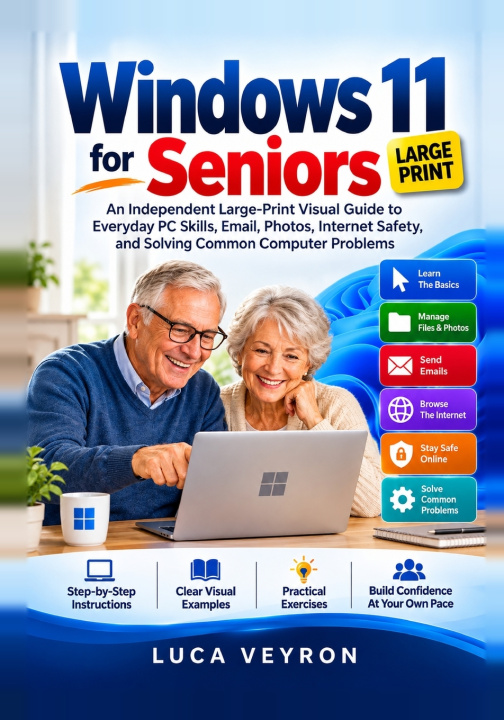
Windows 11 for Seniors
An Independent Large-Print Visual Guide to Everyday PC Skills, Email, Photos, Internet Safety, and Solving Common Computer Problems
 Angličtina
 83 b
 Pripravujeme
 Nové
Až 30 dní na vrátenie tovaru

Does using Windows 11 feel confusing or overwhelming? Learning to use your computer confidently can be easier than you think!
Whether you're using a computer for the first time, upgrading from an older version of Windows, or simply tired of asking others for help, Windows 11 for Seniors is your friendly, step-by-step companion to everyday computer confidence.
Designed for seniors and complete beginners, this independent large-print visual guide explains essential computer skills using clear instructions, helpful illustrations, and practical exercises. No previous computer experience or technical knowledge required!
From sending emails and organizing family photos to browsing safely and fixing common computer problems, you'll learn valuable skills at your own pace. Mistakes are part of learning, and every small success brings greater independence.
Key FeaturesLarge-Print Visual Guide: Readable explanations and helpful illustrations.
Step-by-Step Lessons: Easy instructions without confusing technical jargon.
Practical Exercises: Hands-on activities that reinforce everyday skills.
Troubleshooting Made Simple: Clear solutions to common computer problems.
Confidence-Building Approach: Learn comfortably, celebrate progress, and revisit lessons whenever needed.
Navigate Windows 11, the Start menu, taskbar, and settings.
Use your mouse, keyboard, touchpad, and shortcuts.
Create, save, find, and organize files and folders.
Connect to Wi-Fi and browse the internet confidently.
Send emails, manage attachments, and stay connected.
Transfer, organize, and share family photographs.
Make video calls, create documents, and print files.
Recognize online scams and protect personal information.
Fix common Wi-Fi, sound, printer, and performance problems.
Back up important files and maintain your computer.
Seniors and older adults seeking greater digital independence.
Complete beginners learning basic computer skills.
Anyone transitioning to Windows 11 from an older system.
Self-learners who prefer simple, visual instructions.
Anyone who wants to use technology without frustration.
Chapter 1: Getting Started with Your Windows 11 Computer
Chapter 2: Finding Your Way Around the Windows 11 Desktop
Chapter 3: Managing Files, Folders, and Everyday Documents
Chapter 4: Connecting to the Internet and Browsing with Confidence
Chapter 5: Using Email to Stay Connected with Family and Friends
Chapter 6: Organizing Photos and Sharing Special Memories
Chapter 7: Everyday Computer Tasks, Documents, and Video Calls
Chapter 8: Staying Safe Online and Protecting Your Windows 11 PC
Chapter 9: Solving Common Windows 11 Computer Problems
Chapter 10: Building Lasting Confidence with Your Windows 11 Computer
Your Computer Confidence Starts Here!You don't need to become a technology expert to enjoy your computer. With clear guidance, practical exercises, and a little patience, everyday tasks can become simple and rewarding.
Stop feeling intimidated by technology. Start building the confidence to use your computer independently!
Get your copy of Windows 11 for Seniors today and take the first step toward mastering everyday PC skills!


Informácie o knihe
Angličtina

Darujte túto knihu ešte dnes
Je to jednoduché
1 Pridajte knihu do košíka a vyberte možnosť doručiť ako darček 2 Obratom Vám zašleme poukaz 3 Knihu zašleme na adresu obdarovanéhoAhoj! Som Libroamiko, tvoj knižný radca.
Ako ti môžem pomôcť?