
 Kontakt
 Ako nakupovať
Doručenie
Nákupný poradca
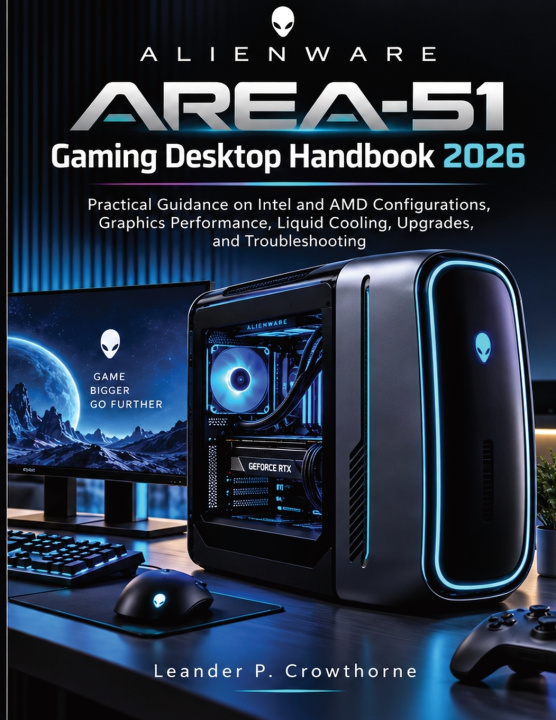
Alienware Area-51 Gaming Desktop Handbook 2026
Practical Guidance on Intel and AMD Configurations, Graphics Performance, Liquid Cooling, Upgrades, and Troubleshooting
 Angličtina
 44 b
44 b
 Nové
Nové
Až 30 dní na vrátenie tovaru

Your next upgrade begins with the system you already own.
A new graphics card, a change in cooling, or a different processor configuration can raise more questions than a specification sheet answers. What suits your Area-51? How do the components affect one another? Where should you begin when gaming performance changes? Good decisions start with understanding the desktop in front of you.
Alienware Area-51 Gaming Desktop Handbook 2026 brings Intel and AMD configurations, graphics performance, liquid cooling, upgrades, and troubleshooting into a practical guide to ownership. It helps you connect the choices inside the tower with the results you want at the screen, while keeping the differences between configurations in view.
An Area-51 name alone does not tell you everything about the hardware inside. Processor platform, installed components, and cooling arrangements all deserve attention when you assess a change. The handbook's coverage of Intel and AMD systems gives you a starting point for understanding the configuration you own and approaching its possibilities with more care.
Use the guidance at three important moments:
When you want to improve the gaming experience. Examine graphics performance alongside the rest of the system. Consider what you want from the games you play and bring cooling into the same discussion. Understanding these subjects together helps you give a performance concern a clearer focus before you decide what to adjust.
When you are considering a hardware upgrade. Put compatibility and the existing configuration at the center of your planning. Explore the upgrade guidance with your current system in mind, so that a proposed component change has a clear purpose. Make room for the practical questions that matter before a purchase or installation.
When the desktop needs attention. Turn to troubleshooting guidance to approach problems in a more organized way. A change in behavior is a reason to investigate. Build your understanding of the issue and use the relevant material to help decide what deserves attention next.
Liquid cooling receives attention as part of the desktop's wider operation. Learn about its role in managing heat and consider cooling alongside graphics demands and upgrade plans. This gives an important part of the tower its proper place in your thinking, whether you are evaluating current behavior or preparing for a future change.
The aim is to make hardware decisions easier to assess. A useful upgrade addresses a need. A performance adjustment should relate to the experience you want. Troubleshooting should help you understand a problem. Bringing these subjects together gives you a reference for those decisions throughout ownership.
Keep the handbook close while comparing your configuration, reviewing an upgrade idea, or working through a concern. Read across the subjects to build a fuller picture of your desktop, then return to the relevant guidance when a particular task comes up. You can give each decision the attention it deserves without trying to take on every aspect of the system at once.
Because Area-51 models and configurations differ, component compatibility and available features must be checked for your specific machine. Use the handbook alongside the documentation for that model when planning hardware work.
Plan the change before you buy the part. Order your copy and bring a clearer understanding of configuration, cooling, and compatibility to your next Area-51 decision.


Informácie o knihe
Angličtina

Darujte túto knihu ešte dnes
Je to jednoduché
1 Pridajte knihu do košíka a vyberte možnosť doručiť ako darček 2 Obratom Vám zašleme poukaz 3 Knihu zašleme na adresu obdarovanéhoAhoj! Som Libroamiko, tvoj knižný radca.
Ako ti môžem pomôcť?